


Wing Commander III: Heart of the Tiger returned on November 5 with restored cinematics and a choice of video versions. The more useful buying question is how much old-PC setup survives around them. The launch FAQ still describes manual saves, controller activation and Steam Deck limitations. Restoring the footage does not make those disappear.
This is reported buyer analysis, not a hands-on review. We have not played this edition or measured its performance. The preservation work gives returning players something specific to investigate. Newcomers should start with the setup warnings.
Two game versions, three video choices
The anniversary package includes Kilrathi Saga Enhanced and the original DOS game running through DOSBox. The official FAQ describes Enhanced as the upgraded 1996 Kilrathi Saga edition with a community Enhancement Patch. Its advertised changes include higher-resolution cinematics, controller and joystick support, widescreen cockpit configuration and 60fps gameplay. That last figure is a developer claim, not our benchmark.
The DOS version serves a different purpose. The team describes it as a historical and modding option and warns that modern hardware configurations can be difficult. Its inclusion preserves a choice; it is not a promise that either launch option will work equally well on your system.
The video options deserve a separate look. Master FMVs Source uses footage captured from the master tapes and exported for modern 16:9 displays. Master FMVs Upscaled applies AI upscaling to those files. Original retains the videos shipped in 1994. AI processing is therefore an option, not the only way to watch the restored edition. None of these descriptions tells us which presentation you will prefer.
Producer Jim Vessella’s restoration account explains the archival effort behind the release. Treat that as the producer’s account of the work, rather than independent proof of image quality. The useful result for a buyer is the choice between presentations, without having to accept AI-upscaled footage as the default definition of preservation.
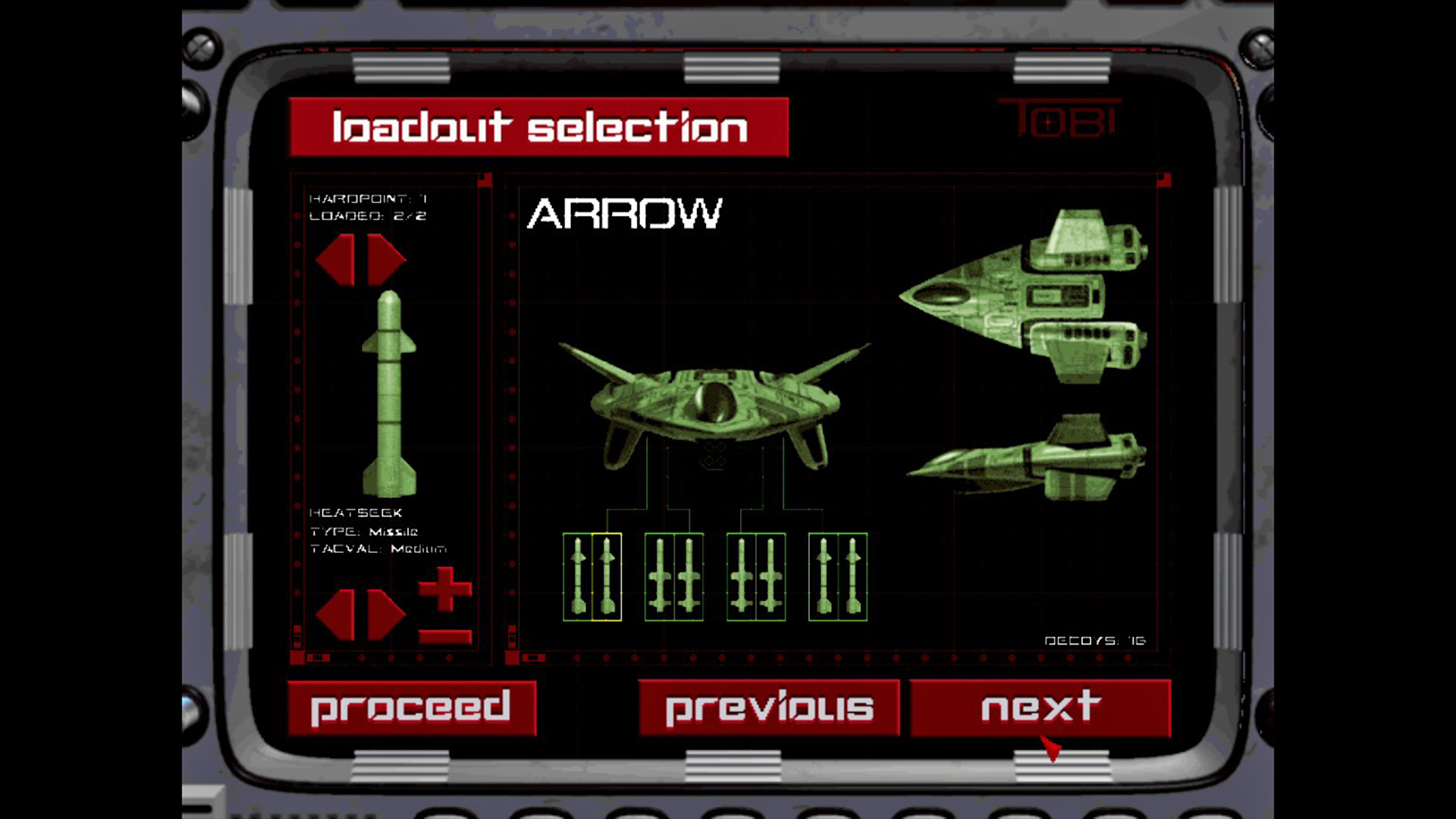
Origin Systems / Electronic Arts, supplied through EA’s launch media kit. Loadout interface, not a controller-configuration or save screen.
Steam Cloud is not autosave
The FAQ is unambiguous: there is no autosave. Players must save manually at the Computer Terminals aboard the TCS Victory, choosing Duty Logs to save or load. Steam Cloud synchronizes saves between devices; it does not create the progress checkpoint you forgot to make.
For a returning player, that may be a familiar habit. For someone approaching the edition as a modernized space game, it is a meaningful change in expectations. Before a long session, learn where the save function lives. A cloud icon in the store is not a reason to assume progress is being recorded automatically.
Controller support also needs qualification. The team says controllers may require activation in-game and points to the Controller_Setup_and_Mappings PDF in the Extras folder. Input configuration distinguishes flight, interface and navigation-map controls. Support on a feature list should not be read as confirmation that every screen uses your preferred buttons immediately.
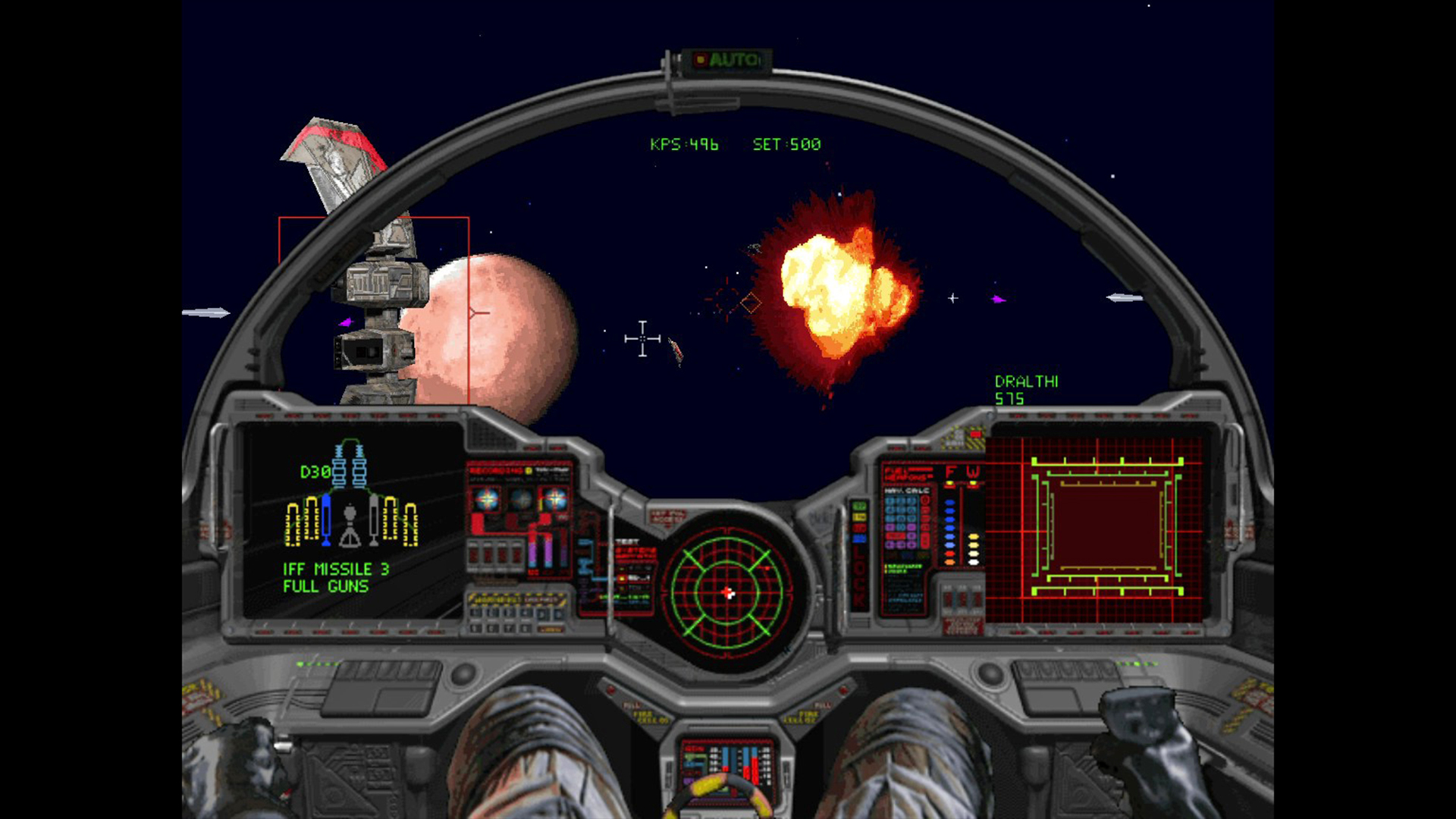
Origin Systems / Electronic Arts: official launch-kit screenshot. Illustrates combat, not measured performance or a particular cinematic option.
Steam Deck buyers should read the exception first
At our November 6 check around 18:22 UTC, Steam listed Deck compatibility as Unknown. The FAQ says Kilrathi Saga Enhanced should load and run on Deck, but immediately adds two caveats: full-motion videos can take several seconds to start, and the official Steam Input configuration was withdrawn because of a technical issue shortly before launch.
That withdrawal also makes the bundled Deck input instructions incorrect. The team says it will announce a resolution if it can provide one. The current three-item official news feed contained no separate newer fix announcement when checked. Some legacy menus may require virtual-keyboard input when configuring your own layout. None of that amounts to a tested handheld recommendation from us.
The U.S. Steam price was $4.99, reduced from $9.99, with the offer ending November 19. This is a dated regional price, not a quality verdict. Existing GOG or EA App owners should check their own library first: EA announced free anniversary upgrades on the respective platform, not free Steam keys. Redemption has not been tested here.
The sensible dividing line is tolerance for setup. Buyers interested in the archival options have a concrete reason to look; buyers expecting automatic saves and a ready-made Deck layout have concrete reasons to wait for clearer fixes or investigate their intended controls first. Our Wicked buy-or-wait analysis separates today’s product from future promises, while the PC gaming archive has more reported coverage. Here, the next useful checkpoint is a resolved Deck configuration, not another blanket claim that a classic has been modernized.