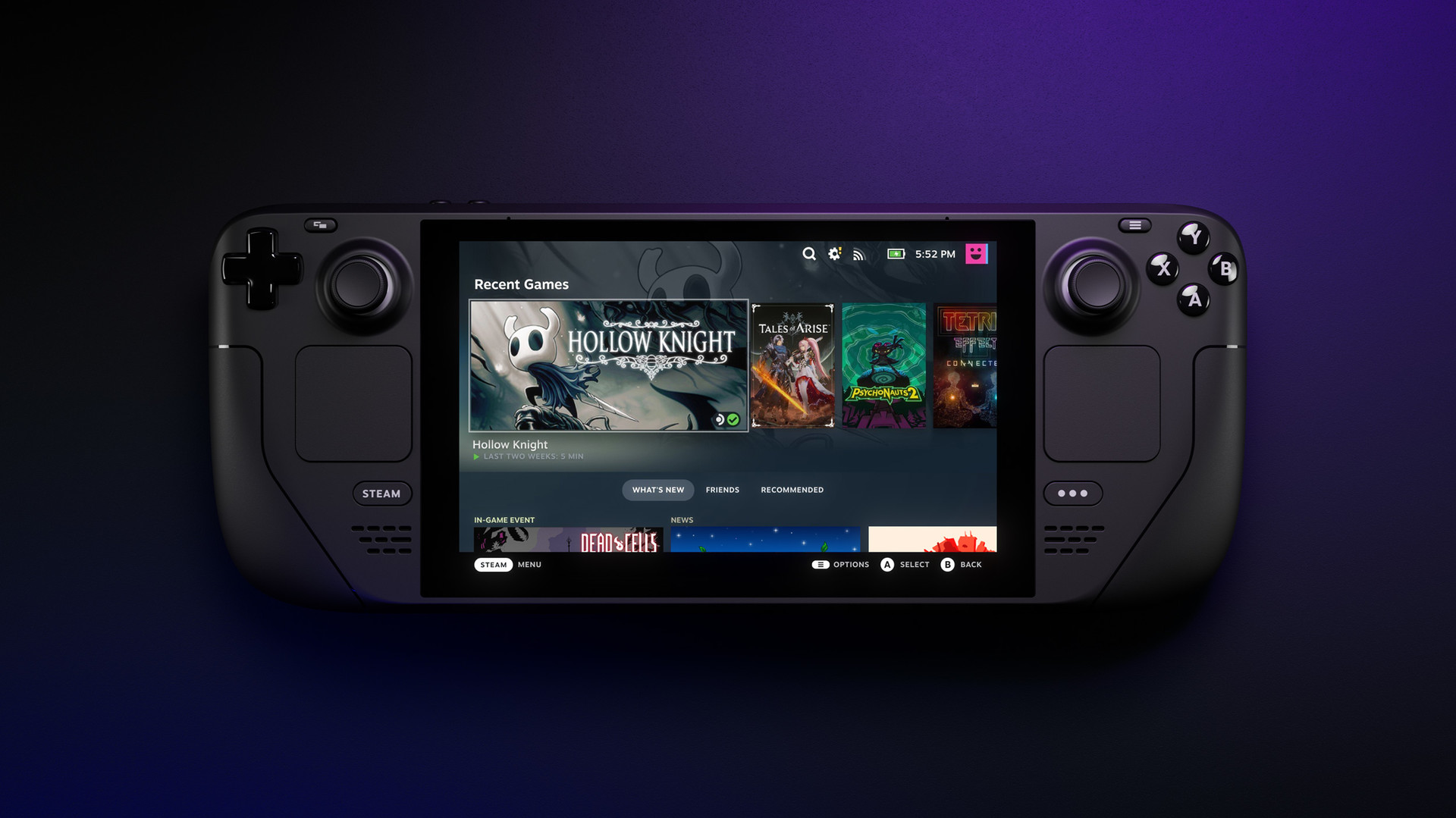


Valve’s April 2 Steam Deck beta client update is a useful little platform patch, not a dramatic SteamOS reset. The part that matters is practical: Preview and Beta users can now manage downloads on remote Steam clients from the downloads page, check local and remote client status from App Details, and deal with a few less rough edges in the Store and Steam Input.
That is enough to matter for people who actually live on the tester track. It is not a reason to pretend the stable Steam Deck experience changed overnight.
What Valve actually changed in this Steam Deck beta update
Valve says the updated Steam Deck client has shipped to the Preview/Beta channel. The biggest user-facing addition is Remote Downloads Management, which lets you control downloads on other Steam clients directly from the downloads page. Valve also says users can switch between clients there by pressing Y, while the App Details page now exposes the same remote-client options and status indicators as the local client.
The rest of the patch is smaller, but still real. Valve says the Store Home beta gets a fixed context menu in the Discounts & Events section, more capsules per page in some carousels, smoother Featured & Recommended transitions, and updated Recently Updated links that now point to the matching game announcement. On the input side, Valve also fixes a case where radial menus failed to dismiss after releasing the joystick on Steam Deck.

Why the scope matters more than the headline
The clean way to frame this story is as a client workflow update for people already testing Valve’s faster branch. Remote download controls and remote-status visibility are the parts with everyday value. They do not turn the Steam Deck into a different machine, but they do remove some friction if you bounce between multiple Steam clients or use your Deck as part of a bigger library setup.
The caution label matters too. Valve is explicit that this release is for the Preview and Beta channel, not the stable track. So the honest takeaway is narrower than the headline bait writes itself: beta-track Steam Deck users get a nicer client and a few useful fixes right now, while stable users can keep waiting.
For more GameGuideDog coverage, browse our hardware section, check the latest English stories, revisit our earlier SteamOS 3.8.1 Preview report, or read our PS5, PS5 Pro, and PlayStation Portal price-rise coverage.